
Registration Overview
Getting started with NexusRMS takes just a few minutes. This guide walks you through the entire registration process, from creating your account to logging in for the first time.
What is NexusRMS?
NexusRMS is a multi-tenant rental management system built for AV, event, and production rental companies. Each company gets its own dedicated workspace with a private database, accessible at yourcompany.nexusrms.io. Your data is completely isolated from other tenants — no shared tables, no cross-contamination.
Account types
NexusRMS supports two primary account types during registration:
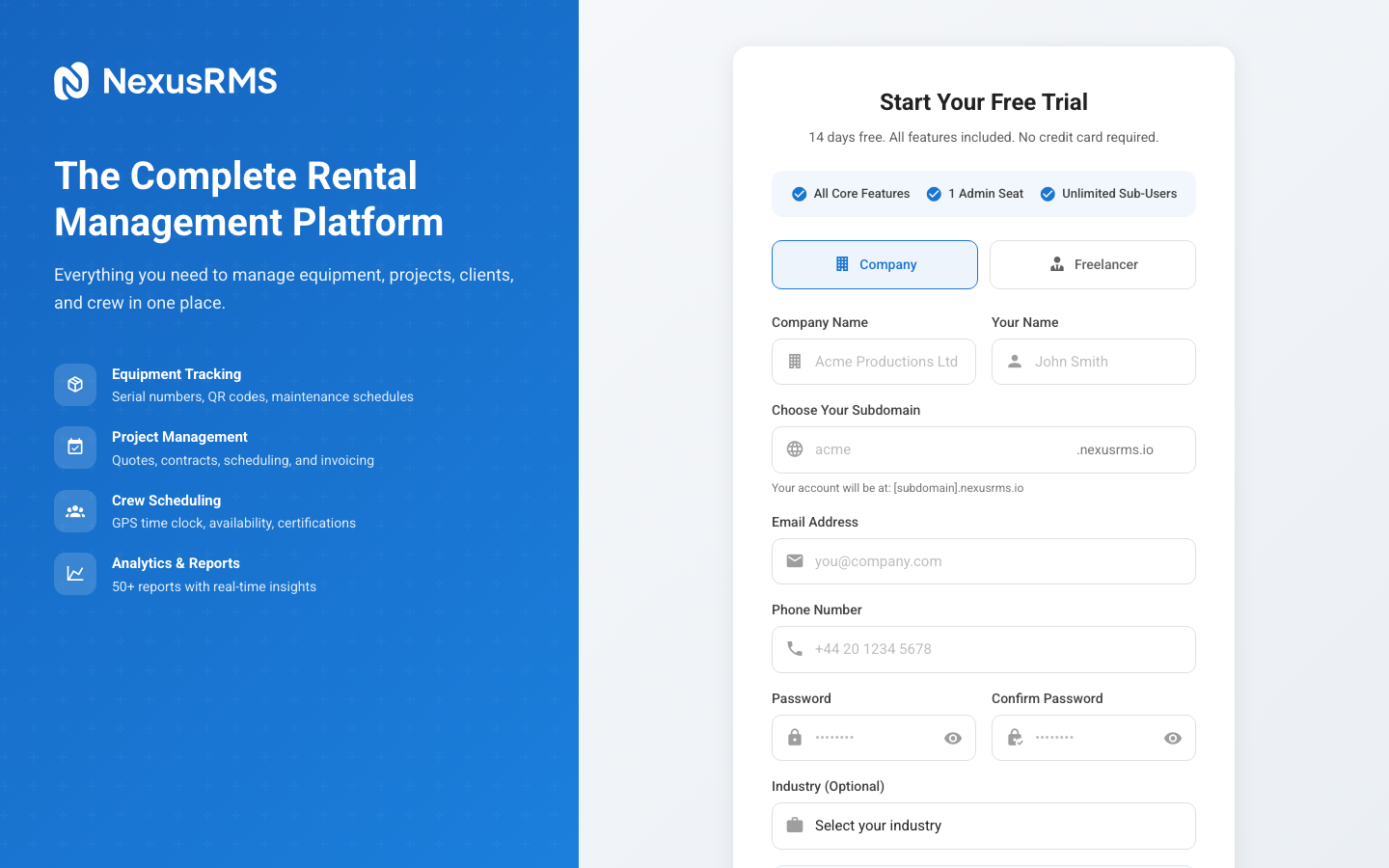
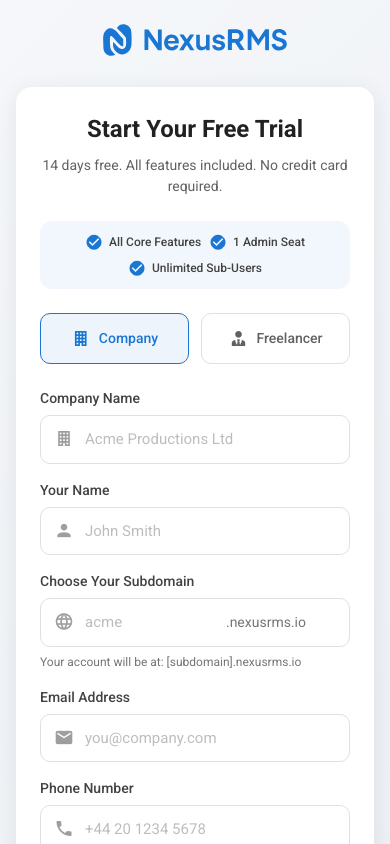
- Company Account — For rental businesses. You get a full tenant workspace with equipment management, project tracking, client CRM, financial tools, crew scheduling, and more. The 14-day free trial includes every feature and addon.
- Freelancer Account — For independent crew members. You get a Freelancer Node at nodes.nexusrms.io/fl/your-id with a public profile, availability calendar, and the ability to connect with unlimited Core Tenant companies.
Registration flow at a glance
Here is the full registration journey from start to finish:
- Choose your account type — Company or Freelancer
- Fill in your details — Name, email, password, and company information (for company accounts)
- Select your subdomain — Choose yourcompany.nexusrms.io (company accounts only)
- Verify your email — Click the verification link sent to your inbox
- Account provisioning — NexusRMS creates your dedicated database and workspace
- First login — Access your new workspace and start configuring
What you will need
Before you start, make sure you have:
- A valid email address (preferably your work email)
- Your company name and a preferred subdomain
- A modern web browser (Chrome, Firefox, Safari, or Edge)
No credit card is required for the trial. You will not be charged anything during the 14-day evaluation period.
Time to complete
The entire registration process typically takes 2–3 minutes. Account provisioning (database creation, default settings, sample data) happens automatically and usually completes within 30 seconds.
Next steps
Ready to get started? Continue to the next article to learn about choosing the right account type for your needs.
Was this article helpful?