
Client Portal
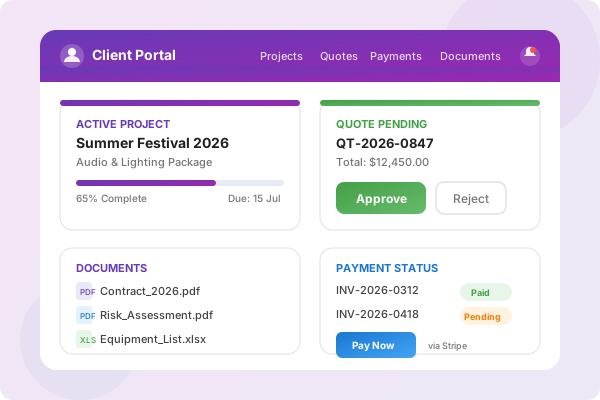
A branded portal where your clients can view projects, approve quotes, make payments, and request changes — all with real-time notifications.
Complete Client Portal
Give your clients self-service access to projects, quotes, payments, and documents — all in one branded portal
Project Visibility
Clients see project status, dates, and milestones — keeping them informed without manual updates from your team.
Quote Approval
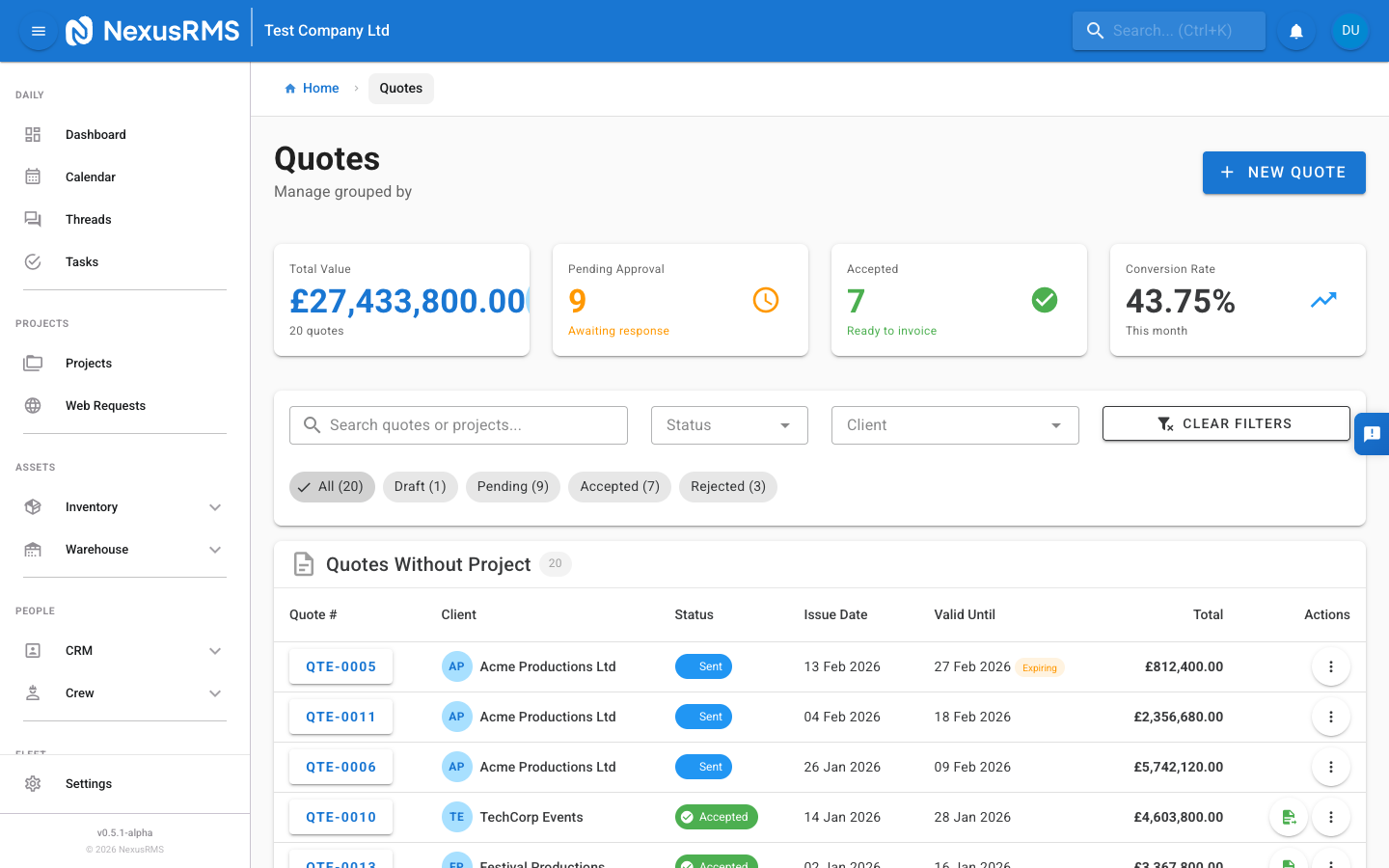
Send quotes directly to the portal. Clients review line items, approve or reject with comments, and status syncs automatically.
Online Payments
Stripe-powered payment pages on every invoice. Clients pay by card with transaction tracking and automatic receipts.
Document Access
Share contracts, risk assessments, and project files securely. Clients download what you share — nothing more.
File Uploads
Clients upload briefs, site plans, and reference files directly to their project — no more email attachments.
Change Requests
Clients submit modification requests with details. Your team reviews, approves, or rejects with comments at each stage.
Real-Time Notifications
Instant email and in-portal alerts for quote updates, payment confirmations, project changes, and document shares.
Connection Management
Clients manage their relationship with your company — update contacts, preferences, and billing details from one place.
Quote-to-Payment Flow
From quote delivery to final payment, the entire process happens within the client portal. Clients review, approve, and pay — with every step tracked and notified automatically.
Secure Document Sharing
Share contracts, risk assessments, and project files securely with your clients. Control exactly what they can access, with full audit trails on every download.
Controlled Access
Share only what you choose. Clients see documents you explicitly share — nothing else.
Audit Trail
Track every view and download. Know who accessed what and when.
Client Uploads
Clients upload briefs, plans, and reference files directly to projects.
Version Control
Automatic versioning on shared documents. Clients always see the latest version.
Change Request Workflow
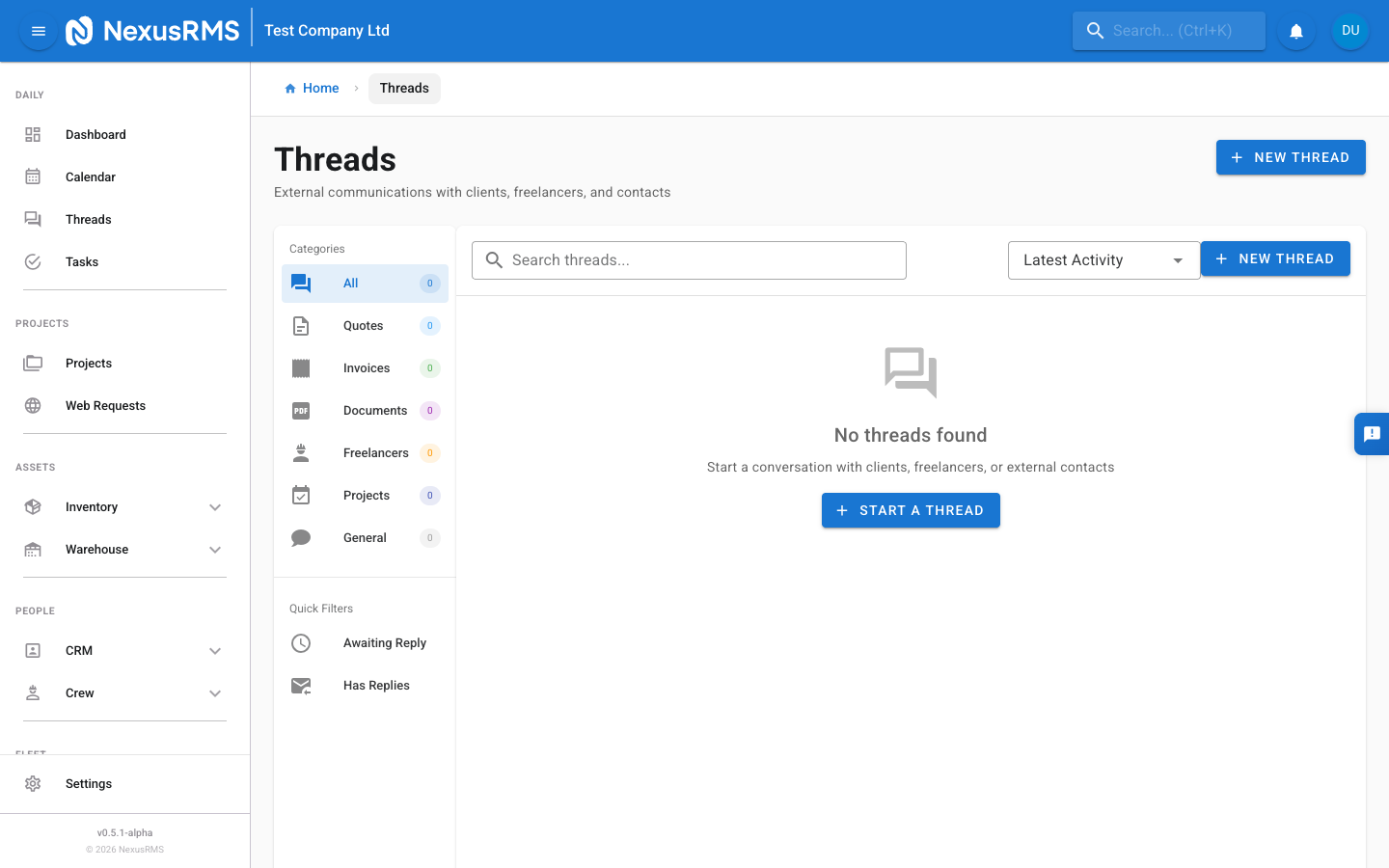
Clients submit modification requests through the portal. Your team reviews, approves, or rejects — with full comment threads and notification at every stage.
Submit Request
Clients describe the desired changes through a structured form in the portal.
Team Review
Your team reviews the request, adds internal notes, and assesses impact on schedule and cost.
Approve or Reject
Approve with updated quote or reject with explanation. Client is notified at each stage.
Ready to Try Client Portal?
Start your 14-day free trial with full access to all features.
Start Free TrialNo credit card required • 14-day free trial • Cancel anytime