
Choosing Your Subdomain
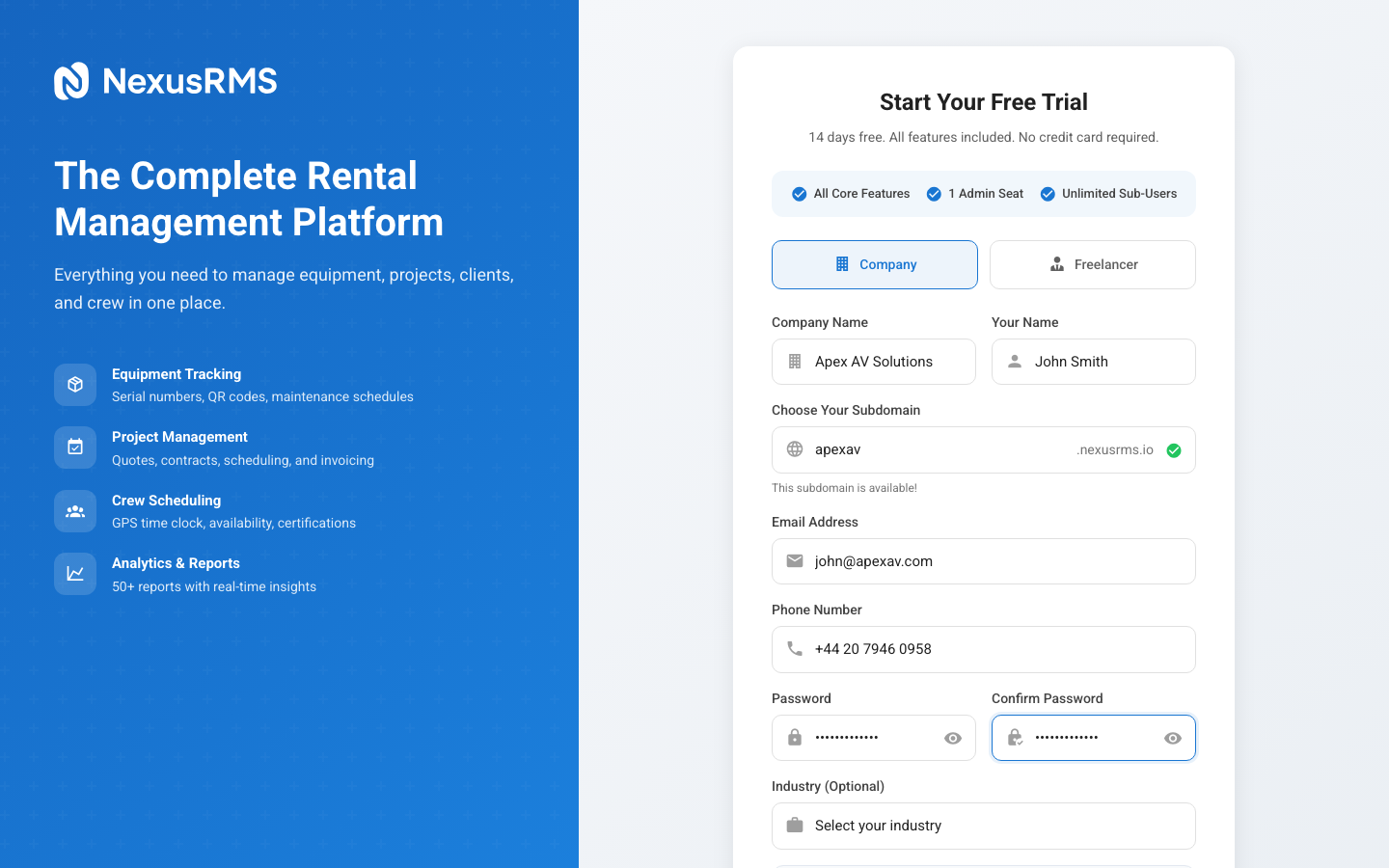
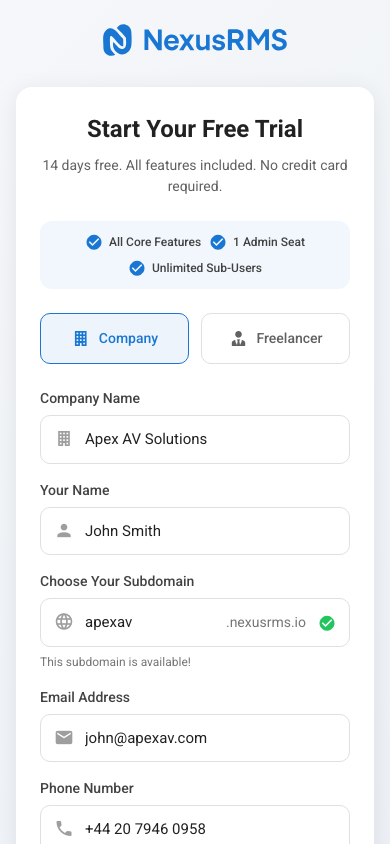
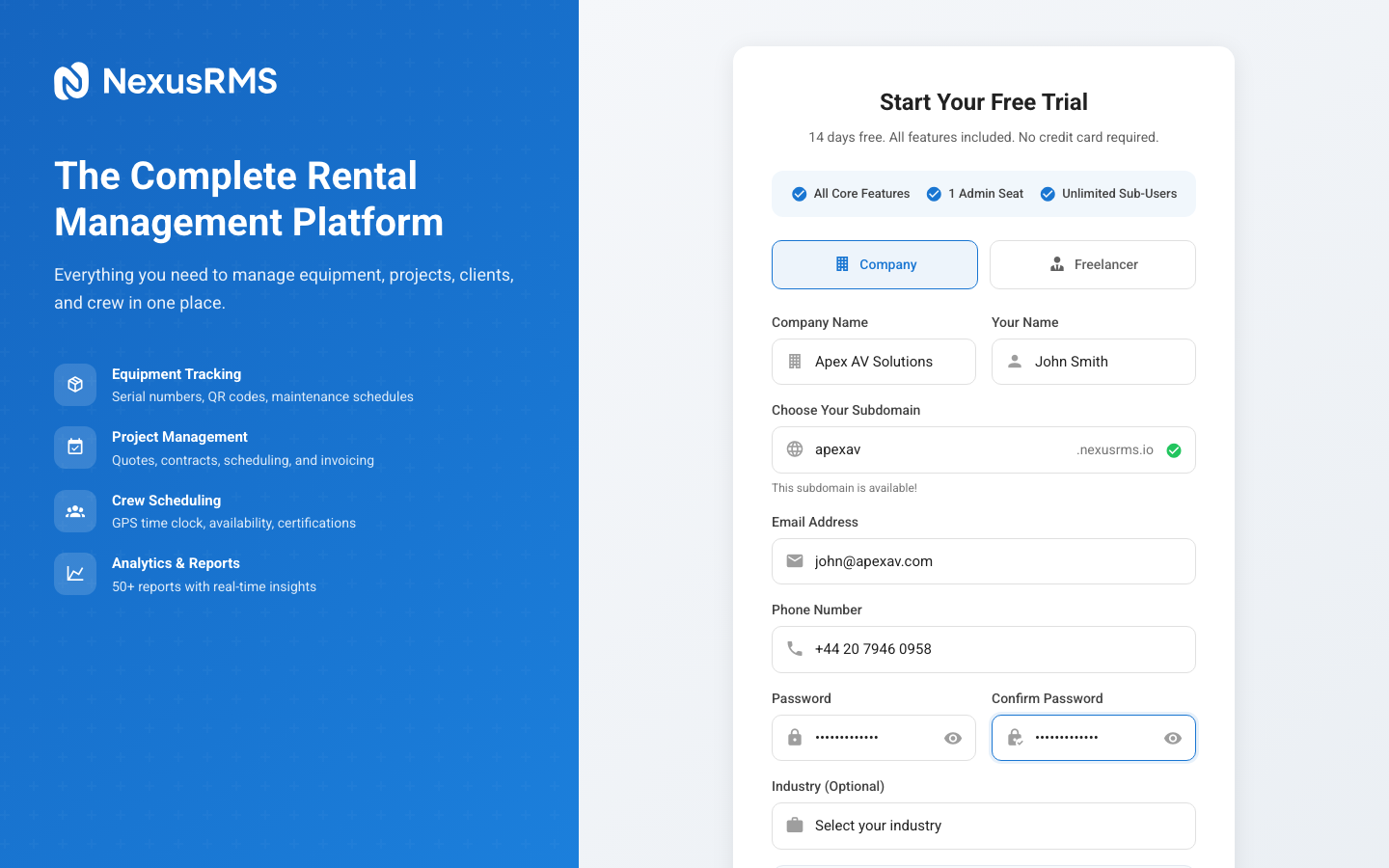
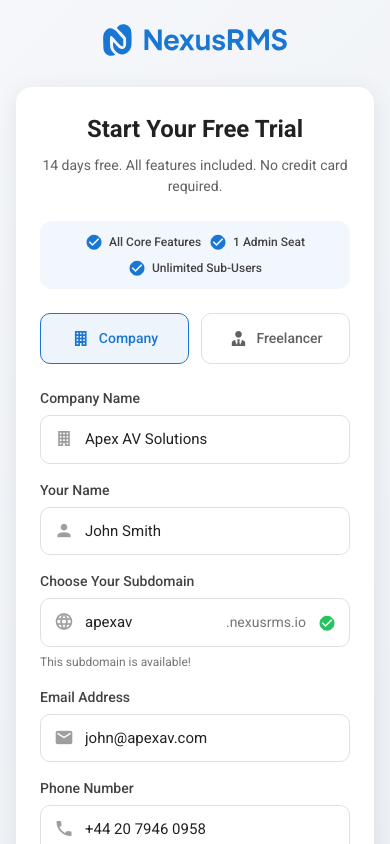
Your subdomain is the unique identifier for your company workspace on NexusRMS. It determines your URL and how your team and clients access the system. Choose carefully — while it can be changed later, it affects bookmarks, shared links, and client portal URLs.
How subdomains work
Every company on NexusRMS gets a dedicated workspace at:
https://yourcompany.nexusrms.io
This subdomain is used for:
- Team access — All your staff log in at this URL
- Client portal — Clients access quotes, invoices, and project updates at this domain
- API endpoints — If you integrate with external systems, your API base URL uses this subdomain
- Join-crew page — Freelancers apply at yourcompany.nexusrms.io/join-crew
Choosing a good subdomain
Keep it short and memorable
Your team will type this URL daily. Short subdomains are easier to remember and less prone to typos.
- Good: stagetech, rentpro, avhire, soundco
- Avoid: stagetech-av-rental-company-london, john-smith-av
Use your brand name
Match your subdomain to your company name or trading name for consistency:
- Company: "Apex AV Solutions" → Subdomain: apexav
- Company: "Northern Staging" → Subdomain: northernstaging
- Company: "BrightLight Productions" → Subdomain: brightlight
Avoid personal names
Unless you are a sole trader, avoid using personal names. If ownership changes or the team grows, a personal subdomain can become confusing.
Subdomain rules
Your subdomain must follow these rules:
- Length: 3–63 characters
- Characters allowed: Lowercase letters (a–z), numbers (0–9), and hyphens (-)
- Cannot start or end with a hyphen
- Cannot contain consecutive hyphens (e.g., my--company)
- Must be unique across all NexusRMS tenants
Reserved subdomains
Certain subdomains are reserved and cannot be used:
- System subdomains: app, api, admin, www, mail, ftp, staging, stg, demo, test
- Service subdomains: nodes, community, connect, support, help, docs, status
- Brand subdomains: nexusrms, nexus, rentman, currentrms
If you enter a reserved subdomain, the system will notify you immediately and suggest alternatives.
Real-time availability check
As you type your desired subdomain, NexusRMS checks availability in real time. You will see one of three states:
- Green tick — Available and ready to use
- Red cross — Already taken by another company
- Yellow warning — Reserved or does not meet the format requirements
Can I change my subdomain later?
Yes, but with caveats. Subdomain changes can be requested through Settings > Company Profile. When changed:
- All existing bookmarked URLs will stop working
- Client portal links shared via email or documents will break
- API integrations using the old subdomain will need updating
- The old subdomain becomes available for other companies after 30 days
For this reason, we recommend choosing your subdomain carefully during registration.
Freelancer accounts
Freelancer Nodes do not use subdomains. Instead, each freelancer is assigned an alphanumeric ID, and their profile lives at nodes.nexusrms.io/fl/your-id. This ID is generated automatically and cannot be customised.
Next steps
After choosing your subdomain, continue to the Email Verification article to learn about confirming your account.
Was this article helpful?