
Email Verification
After submitting your registration form, NexusRMS sends a verification email to confirm your address. This step is required before your account is activated and your workspace is provisioned.
Why we verify your email
Email verification serves several purposes:
- Security — Confirms that you own the email address and prevents unauthorised account creation
- Communication — Ensures you can receive important notifications about your account, billing, and security alerts
- Password recovery — Your verified email is the primary method for resetting your password
- Spam prevention — Prevents automated signups and protects the platform for genuine users
What to expect
After clicking Start My Free Trial (company) or Create Account (freelancer), you will see a confirmation screen telling you to check your email.
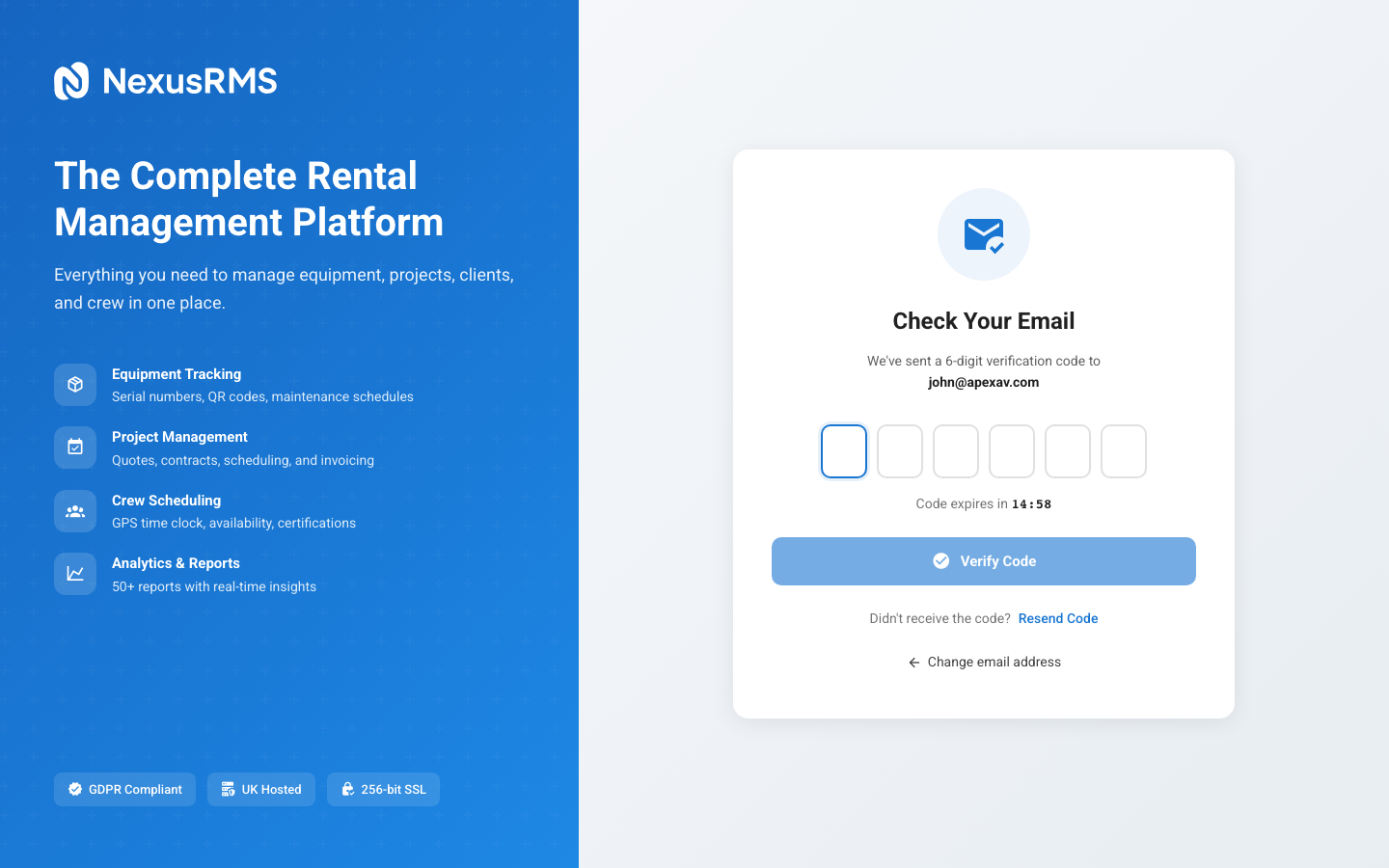
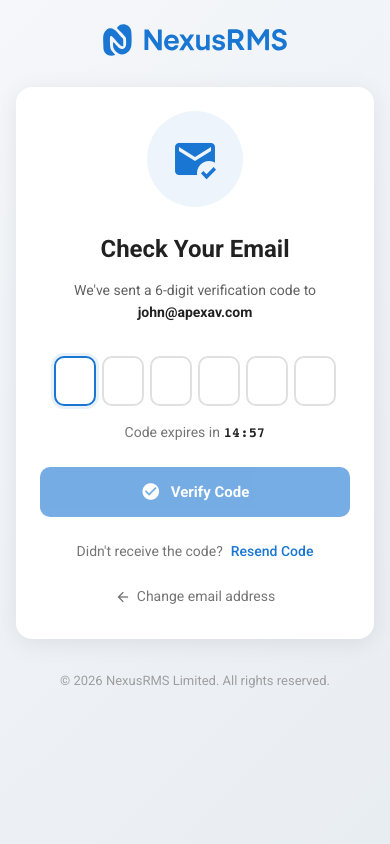
The verification email is sent immediately and typically arrives within 1–2 minutes. It contains:
- A personalised greeting using the name you registered with
- A Verify Email Address button linking to the confirmation URL
- A plain-text link as a fallback if the button does not render in your email client
- Information about what happens next
Clicking the verification link
Click the Verify Email Address button (or copy and paste the link into your browser). The link:
- Is valid for 24 hours from the time it was sent
- Can only be used once
- Redirects you to NexusRMS with a confirmation message
For company accounts, clicking the link triggers the automated provisioning process (see Account Provisioning). For freelancer accounts, your Node is immediately activated.
Resending the verification email
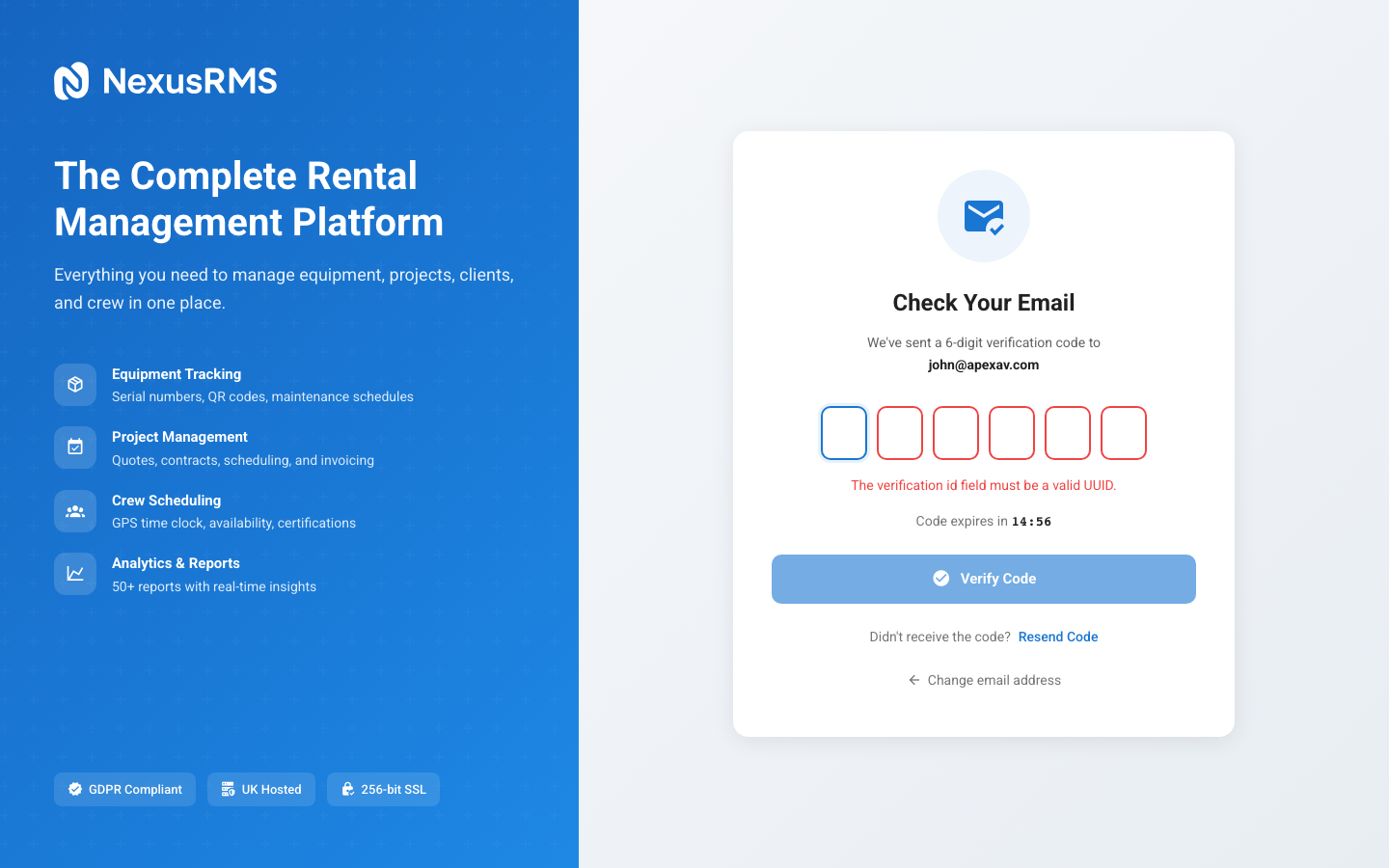
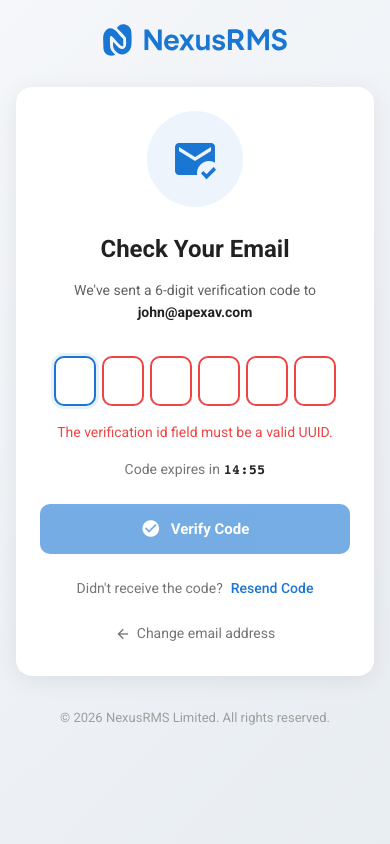
If you have not received the email after a few minutes, you can request a new one:
- Return to the verification pending screen
- Click Resend Verification Email
- A new email is sent immediately, invalidating any previous verification links
You can resend the verification email up to 5 times per hour to prevent abuse.
Checking your spam folder
If the email does not appear in your inbox, check these locations:
- Spam / Junk folder — The most common reason for missed emails
- Promotions tab — Gmail sometimes categorises transactional emails as promotions
- Quarantine — Corporate email systems may quarantine emails from new senders
NexusRMS sends emails from noreply@nexusrms.io via Postmark, a dedicated transactional email service. If your organisation uses aggressive email filtering, ask your IT team to whitelist this address.
Verification link expired
If more than 24 hours have passed since the email was sent, the link will have expired. Simply:
- Navigate to the login page
- Enter your registered email and password
- You will see the verification pending screen again
- Click Resend Verification Email for a fresh link
Changing your email before verification
If you registered with the wrong email address, you cannot change it before verification. Instead:
- Wait for the verification link to expire (24 hours), or
- Register a new account with the correct email address
The original unverified registration will be automatically cleaned up after 7 days.
Next steps
After successful verification, continue to the Account Provisioning article to understand what NexusRMS sets up for your new workspace.
Was this article helpful?