
Choosing Your Account Type
NexusRMS offers two distinct account types, each designed for a different role in the rental industry. Choosing the right one upfront ensures you get the features and workflow that match how you operate.
Company Account
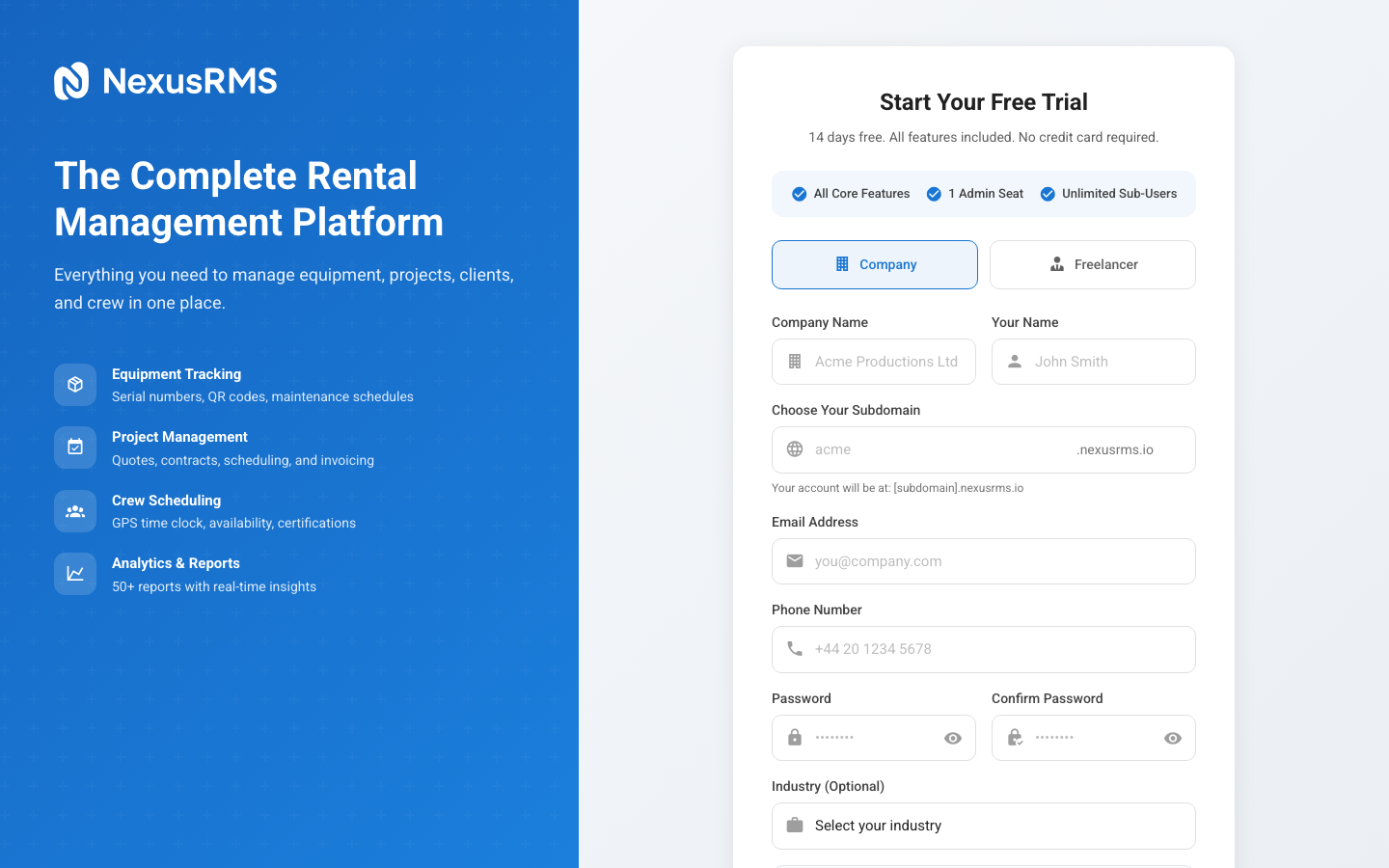
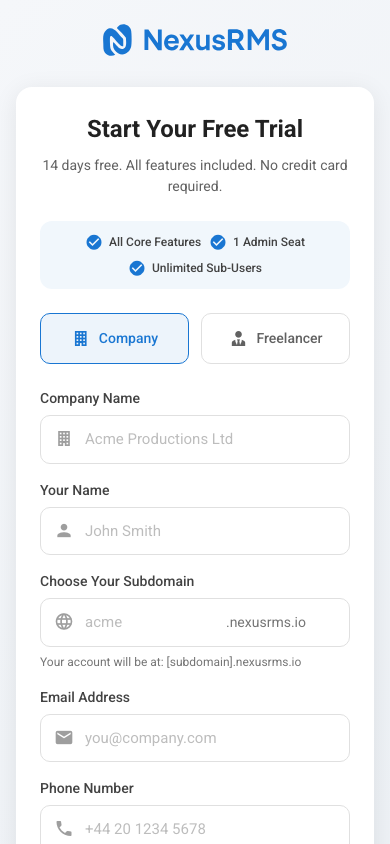
A Company Account is designed for rental businesses of any size — from one-person operations to large enterprises with multiple warehouses and dozens of staff.
What you get
- Dedicated tenant workspace at yourcompany.nexusrms.io with its own isolated database
- Full equipment management with serial tracking, QR codes, RFID support, and category hierarchies
- Project management with sub-projects, templates, recurring bookings, and timeline views
- Client CRM with contact management, client portal, and communication history
- Financial tools including quotes, invoices, credit notes, and multi-currency support
- Warehouse operations with packing lists, check-in/out workflows, and stock management
- Crew scheduling with GPS-verified time clock, availability tracking, and shift management
- Dashboards & analytics with 50+ customisable widgets and drag-and-drop layouts
Pricing
The base plan starts at £49/month and includes one CoreAdmin seat plus all core features. Additional admin seats are £50/month each, manager seats are £30/month, and all other user roles (Project Manager, Warehouse Staff, Technician, Viewer) are free and unlimited.
Every new company account starts with a 14-day free trial that includes every feature and addon — no credit card required.
Who should choose this
- AV rental companies
- Event production houses
- Film and broadcast equipment hire
- Staging and lighting companies
- Any business that rents equipment to clients
Freelancer Account
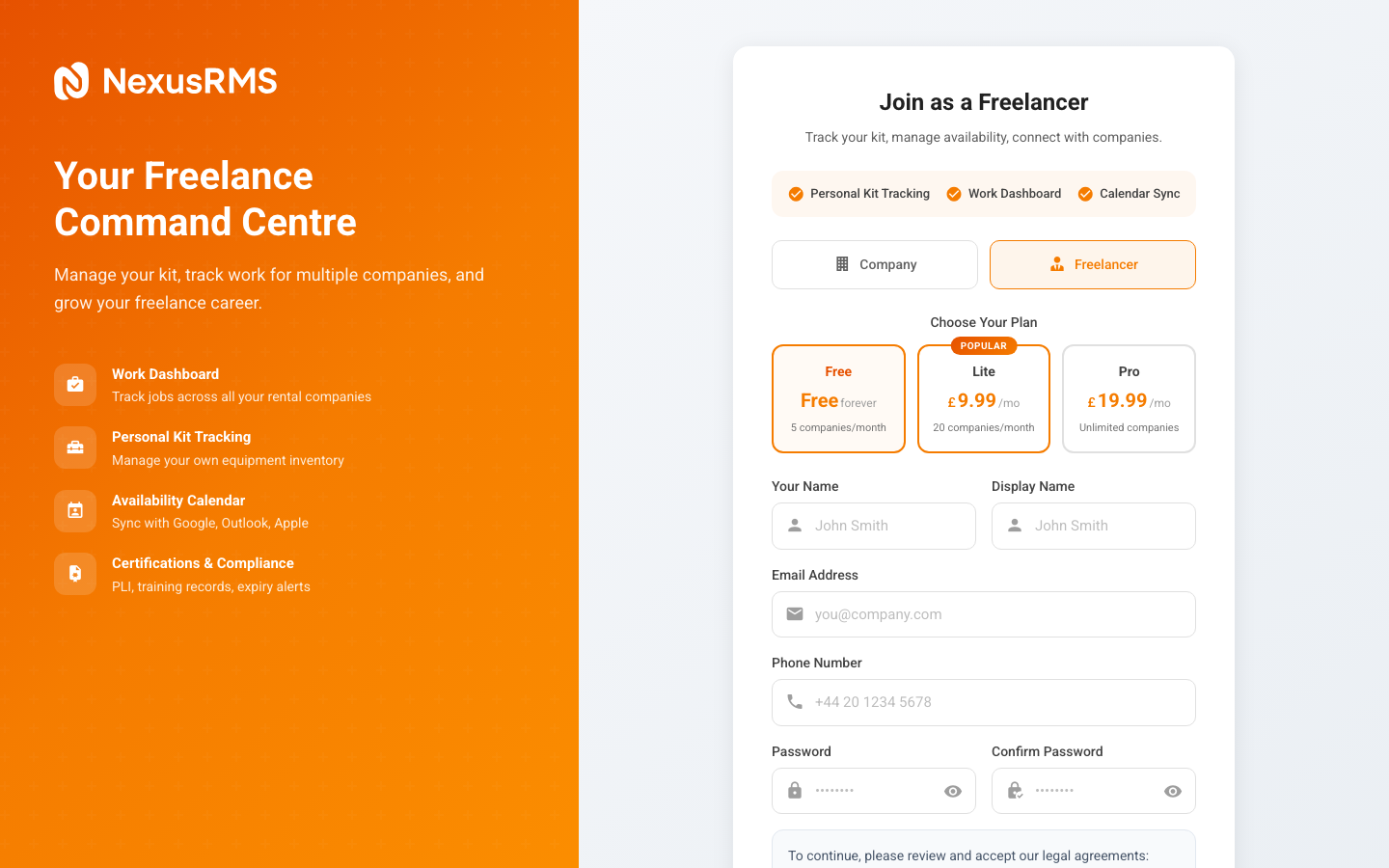
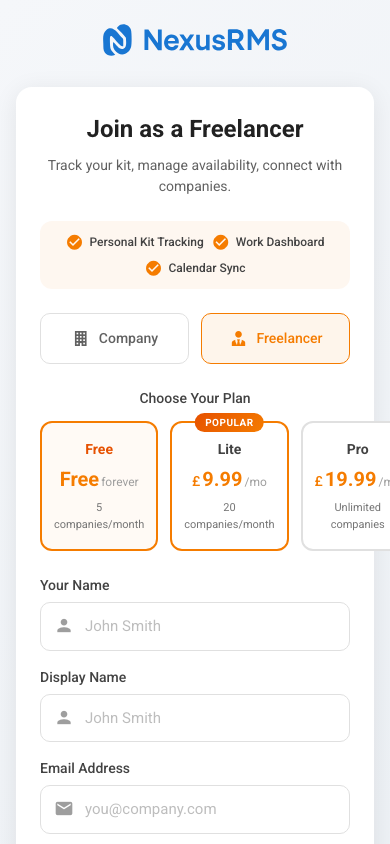
A Freelancer Account is designed for independent crew members — technicians, riggers, sound engineers, lighting designers, and other freelance professionals who work with rental companies.
What you get
- Freelancer Node at nodes.nexusrms.io/fl/your-id with a public-facing profile
- 60+ field professional profile covering skills, certifications, experience, rates, and availability
- Company connections — connect with Core Tenant companies and receive booking requests
- Calendar sync with Google Calendar, Outlook, and Apple iCloud
- Time tracking for jobs you work on, with entries stored in both your Node and the company's system
- PDF invoicing to bill companies and clients directly
- Compliance management for PLI, certifications, and training records (companies can block bookings if expired)
Pricing tiers
| Tier | Price | New Connections/Month | Best For |
|---|---|---|---|
| Free | £0 | 5 | Getting started, occasional freelancing |
| Lite | £9.99/mo | 20 | Regular freelancers building their network |
| Pro | £19.99/mo | Unlimited | Full-time freelancers, maximum reach |
New connection limits reset monthly. Once connected with a company, that connection is permanent regardless of tier.
Who should choose this
- Freelance AV technicians
- Independent lighting and sound engineers
- Freelance riggers and stagehands
- Camera operators and broadcast crew
- Any independent professional working with rental companies
Can I have both?
Yes. You can register a Company Account and a Freelancer Account using the same email address. They are completely separate systems with different logins and workspaces. Many owner-operators who run a small rental company and also freelance for larger companies use both.
Can I switch later?
Account types cannot be converted after registration. If you start as a freelancer and later want a company workspace (or vice versa), you will need to create a new account of the other type. Your existing account will remain active.
Next steps
Once you have decided on your account type, continue to the relevant registration guide:
- Company accounts → Company Registration Guide
- Freelancer accounts → Freelancer Registration Guide
Was this article helpful?