
Your First Login
Your account is provisioned and ready to go. This article covers your first login experience and the recommended steps to get your workspace set up for real use.
Logging in for the first time
Company accounts
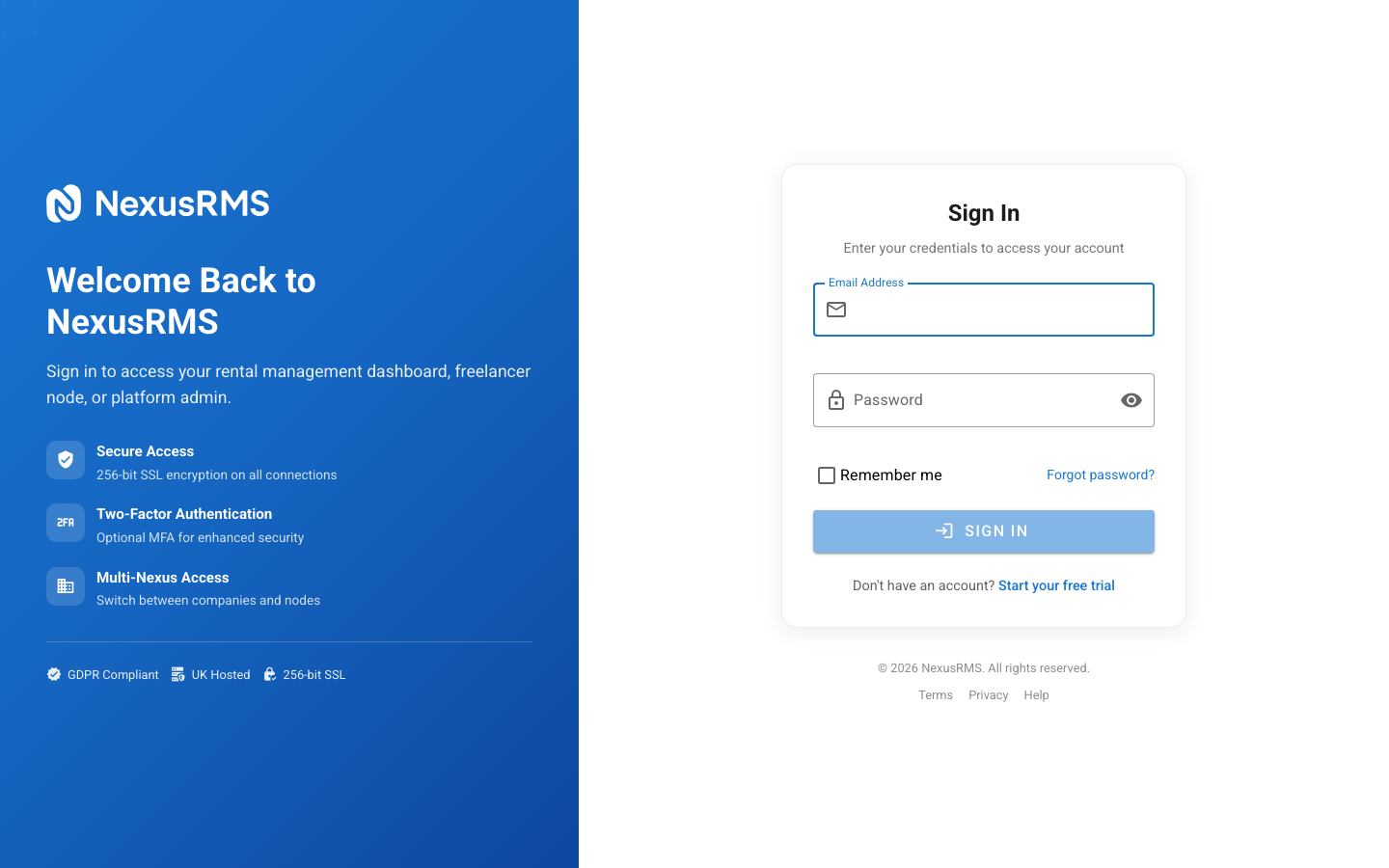
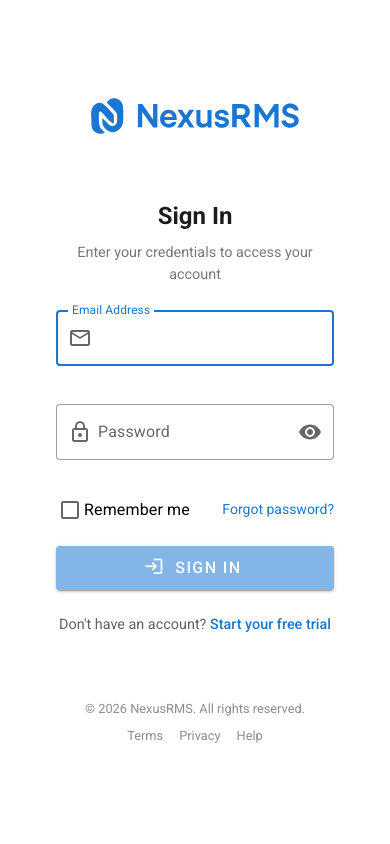
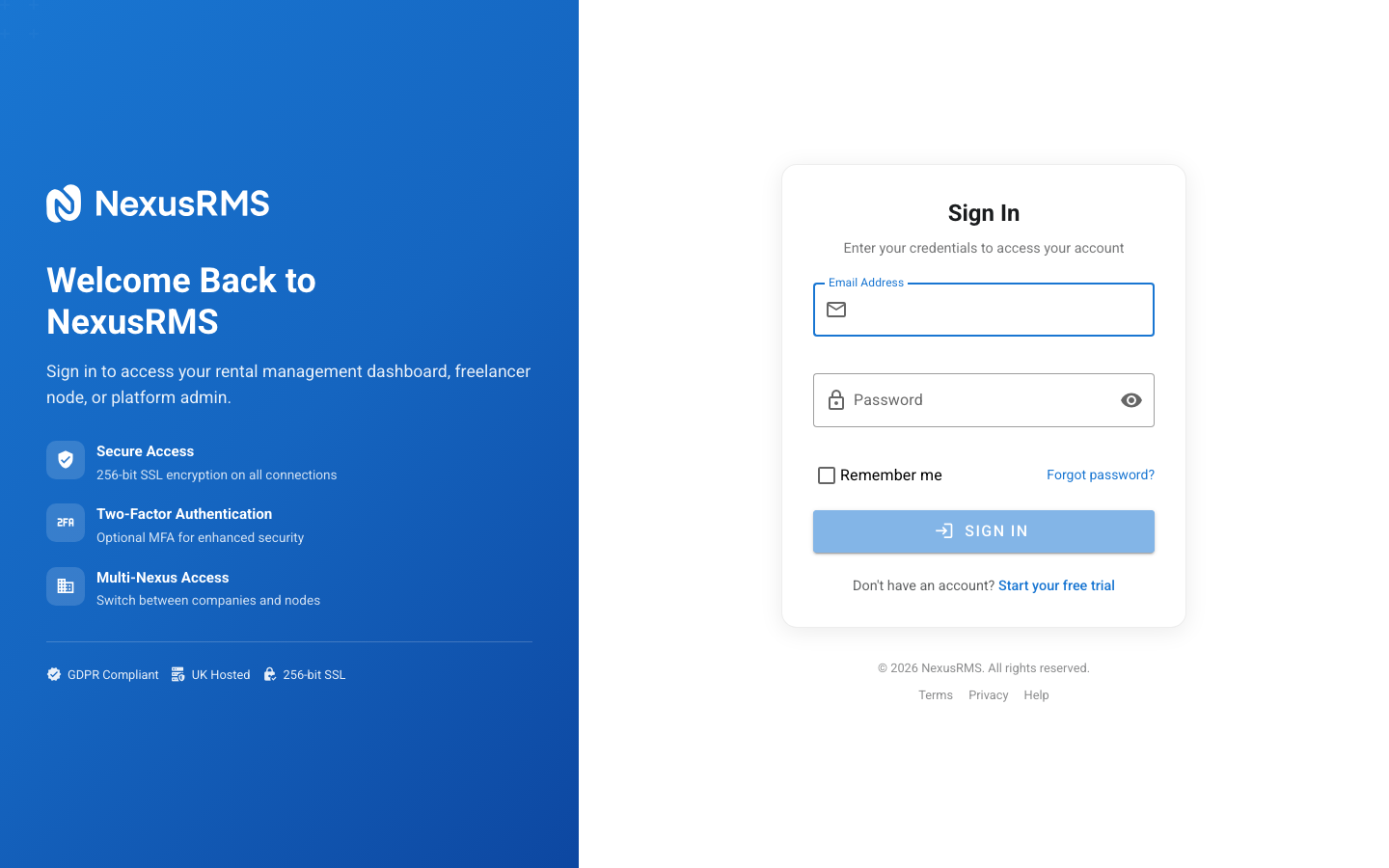
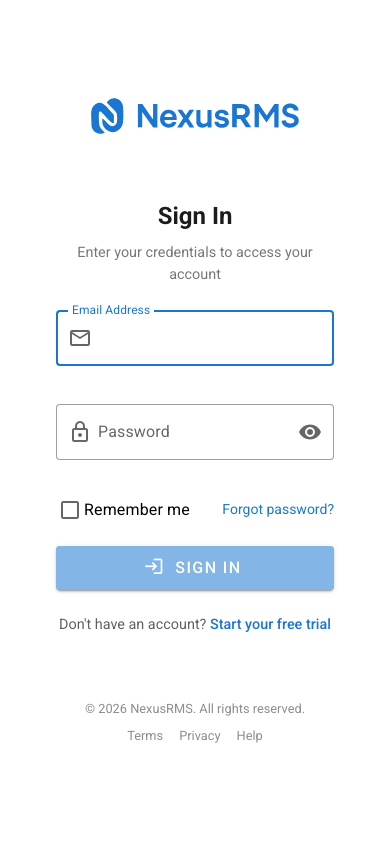
Navigate to your workspace URL:
https://yourcompany.nexusrms.io
Enter the email address and password you used during registration. As the account creator, you are automatically logged in as CoreAdmin with full system access.
Freelancer accounts
Navigate to your Node:
https://nodes.nexusrms.io/fl/your-id
Enter your registered email and password to access your dashboard.
The welcome dashboard
On your first login, you will see a welcome dashboard with a guided setup checklist. This helps you configure the most important aspects of your workspace before inviting your team.
Recommended setup steps (Company)
We recommend completing these steps in order:
1. Upload your company logo
Go to Settings > Company Profile and upload your logo. This appears on:
- The login screen for your workspace
- All generated documents (quotes, invoices, packing lists)
- The client portal
- Email notifications sent from your workspace
2. Configure your company details
In Settings > Company Profile, verify and complete:
- Registered company address
- VAT number (if applicable)
- Company registration number
- Main contact phone number
- Default currency and tax rate
3. Set up your warehouse
Go to Warehouse > Locations and configure your primary warehouse:
- Warehouse name and address
- Operating hours
- Contact details
You can add multiple warehouses later if you subscribe to the Multi-Warehouse addon.
4. Add your first equipment
Navigate to Equipment > Inventory and start adding items. You can:
- Add items manually one by one
- Use the bulk import tool to upload a CSV from your current system
- Scan QR codes or barcodes if you have labels ready
5. Create your first client
Go to Clients and add your first client record. Include:
- Company name and contact details
- Billing address
- Payment terms and credit limit
6. Invite your team
Navigate to Settings > Users to invite team members. Choose the appropriate role for each person:
| Role | Cost | Access |
|---|---|---|
| CoreAdmin | £50/mo | Full access including financials and settings |
| CoreManager | £30/mo | Full access to financials, no settings |
| Project Manager | Free | Projects, equipment, crew (no financials) |
| Warehouse Staff | Free | Warehouse operations, check-in/out |
| Technician | Free | Assigned jobs, time tracking |
| Viewer | Free | Read-only access |
7. Customise your dashboard
The default dashboard gives you a solid starting point, but you can customise it by:
- Adding or removing widgets
- Rearranging the layout with drag and drop
- Choosing from 50+ available widgets covering all system areas
Recommended setup steps (Freelancer)
1. Complete your profile
The more complete your profile, the more likely companies are to connect with you. Prioritise:
- Professional photo
- Skills and specialisations
- Day rate and availability
- PLI and certification uploads
2. Sync your calendar
Connect Google Calendar, Outlook, or Apple iCloud to automatically show your availability. This prevents double-bookings and helps companies see when you are free.
3. Connect with companies
Start building your network by connecting with rental companies you work with. If they have shared a join-crew link, use that for instant auto-connection.
Exploring your workspace
Take some time to explore the system. During your trial, everything is unlocked. Try:
- Creating a test project with equipment and crew assignments
- Generating a quote and converting it to an invoice
- Building a packing list for a warehouse operation
- Setting up a recurring project template
- Customising your dashboard layout
Getting help
If you need assistance at any point:
- Knowledge Base — Browse articles at nexusrms.io/kb
- Community Forum — Ask questions at community.nexusrms.io
- Email Support — Contact support@nexusrms.io
Next steps
If you encounter any issues during registration or setup, see the Troubleshooting Registration article for solutions to common problems.
Was this article helpful?