
Projects and Bookings Basics
## Projects and Bookings Basics
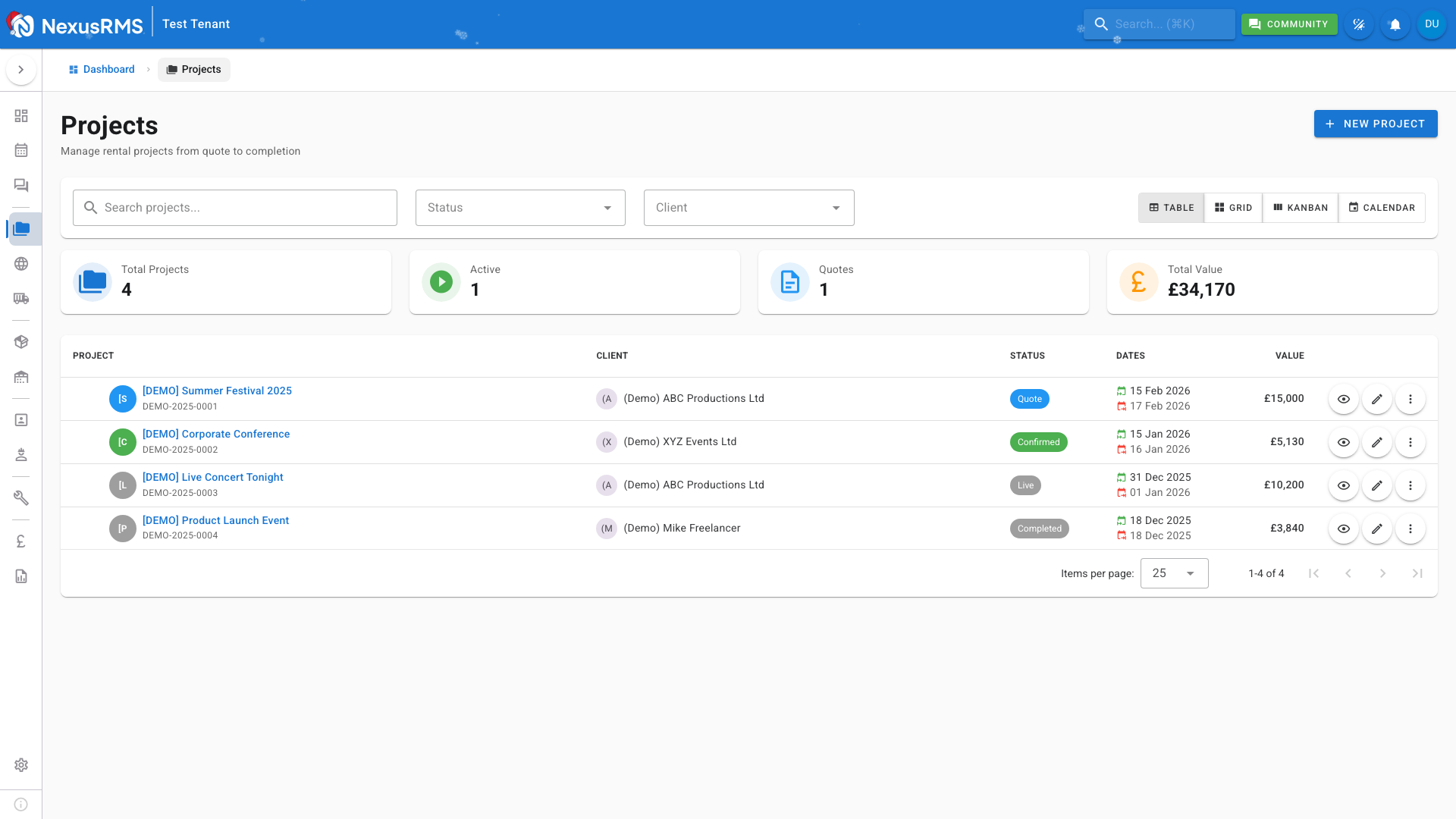
In NexusRMS, Projects are your bookings or rentals. They bring together clients, equipment, crew, and dates into a manageable unit.
### What is a Project?
A Project represents a rental job from start to finish:
- **Client** - Who you're renting to
- **Dates** - When equipment is needed
- **Equipment** - What's being rented
- **Crew** - Who's working the job
- **Financials** - Quotes, invoices, payments
### Accessing Projects
Navigate to **Projects** in the sidebar. The default view shows your active and upcoming projects.
### Project Lifecycle
1. **Draft** - Initial planning stage
2. **Quoted** - Quote sent to client
3. **Confirmed** - Client accepted, booking locked
4. **Active** - Currently in progress
5. **Completed** - Job finished
6. **Invoiced** - Final invoice sent
### Creating a Project
1. Click **New Project**
2. Select or create a client
3. Enter project details:
- Name/title
- Start and end dates
- Venue/location
4. Add equipment from your inventory
5. Assign crew members
6. Save as draft or generate quote
### Sub-Projects
For complex events with multiple stages, use sub-projects:
```
Festival 2025 (Main Project)
├── Main Stage (Sub-Project)
├── VIP Area (Sub-Project)
└── Backstage (Sub-Project)
```
Each sub-project has its own equipment and crew, but financials roll up to the parent.
### Key Actions
- **Quick View** - Preview project details
- **Edit** - Modify project information
- **Duplicate** - Create similar project
- **Generate Quote** - Create quotation
- **Check Availability** - Verify equipment is free
### Calendar View
Access the **Calendar** to see projects visually:
- Month, week, and day views
- Color-coded by status
- Drag to reschedule
- Click for quick actions
Was this article helpful?