
Using Global Search
## Using Global Search
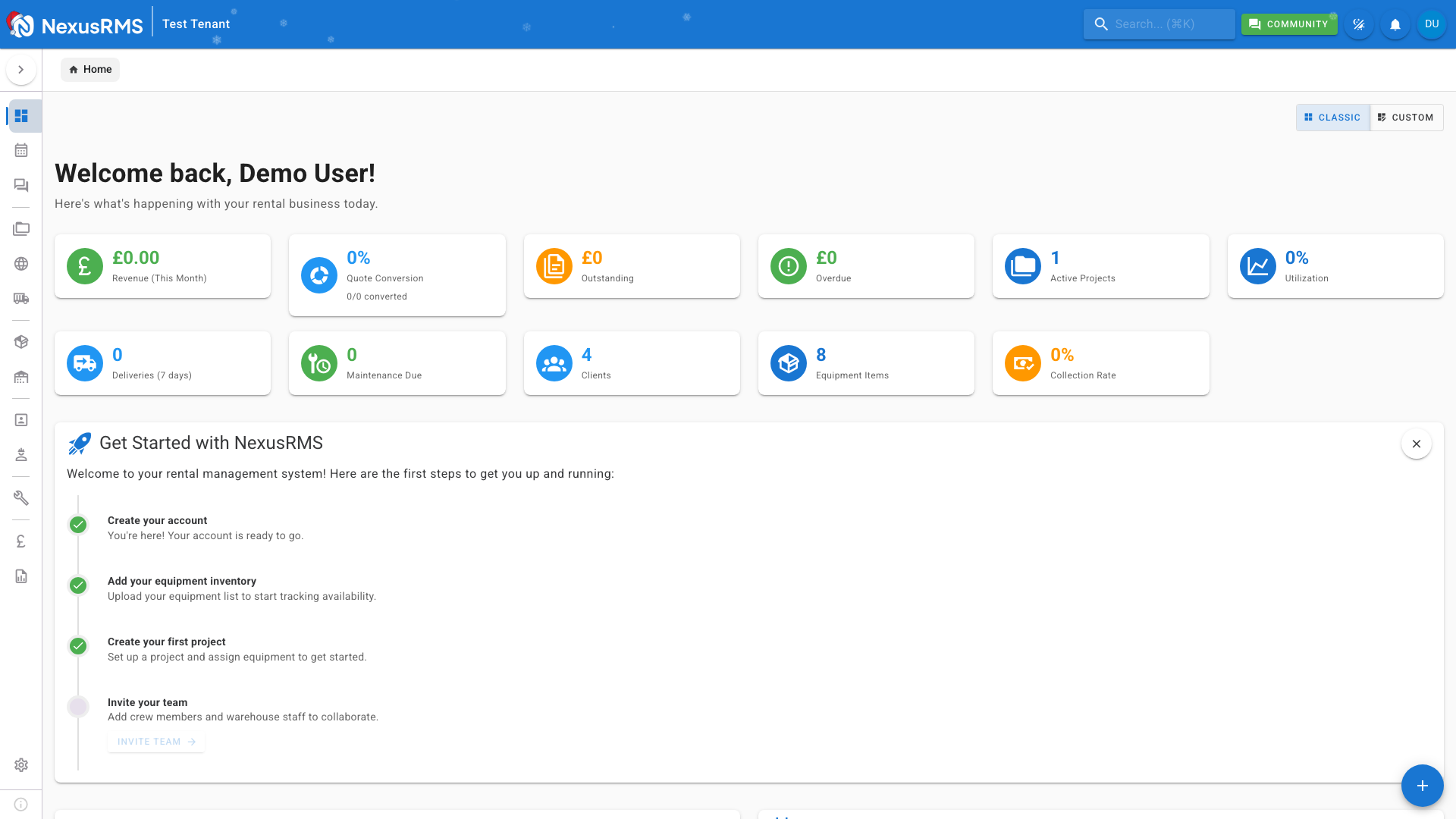
Global Search is one of NexusRMS's most powerful features. It lets you find anything in your system instantly - equipment, projects, clients, invoices, and more.
### Opening Global Search
There are several ways to open the search:
1. **Keyboard Shortcut** - Press **Cmd+K** (Mac) or **Ctrl+K** (Windows/Linux)
2. **Click the Search Bar** - In the top app bar on desktop
3. **Search Icon** - On mobile, tap the magnifying glass
### Searching
Simply start typing what you're looking for:
- **Equipment** - Search by name, SKU, or serial number
- **Projects** - Search by project name or reference
- **Clients** - Search by company name, contact name, or email
- **Invoices** - Search by invoice number
- **Crew** - Search by name or role
Results appear instantly as you type, organized by category.
### Search Results
Results are grouped by type:
- 📦 Equipment items
- 📁 Projects
- 👥 Clients
- 📄 Invoices
- 👷 Crew members
Click any result to navigate directly to that item.
### Quick Actions
Beyond searching, the command palette also provides quick actions:
- Create new items
- Navigate to specific pages
- Access common functions
### Tips for Better Searches
- **Be specific** - "Sony A7" finds results faster than just "camera"
- **Use partial terms** - "fest" will find "Festival"
- **Try SKUs** - Equipment SKUs are great for precise matches
- **Include numbers** - "INV-2025-001" finds exact invoices
Was this article helpful?