
Client Management Basics
## Client Management Basics
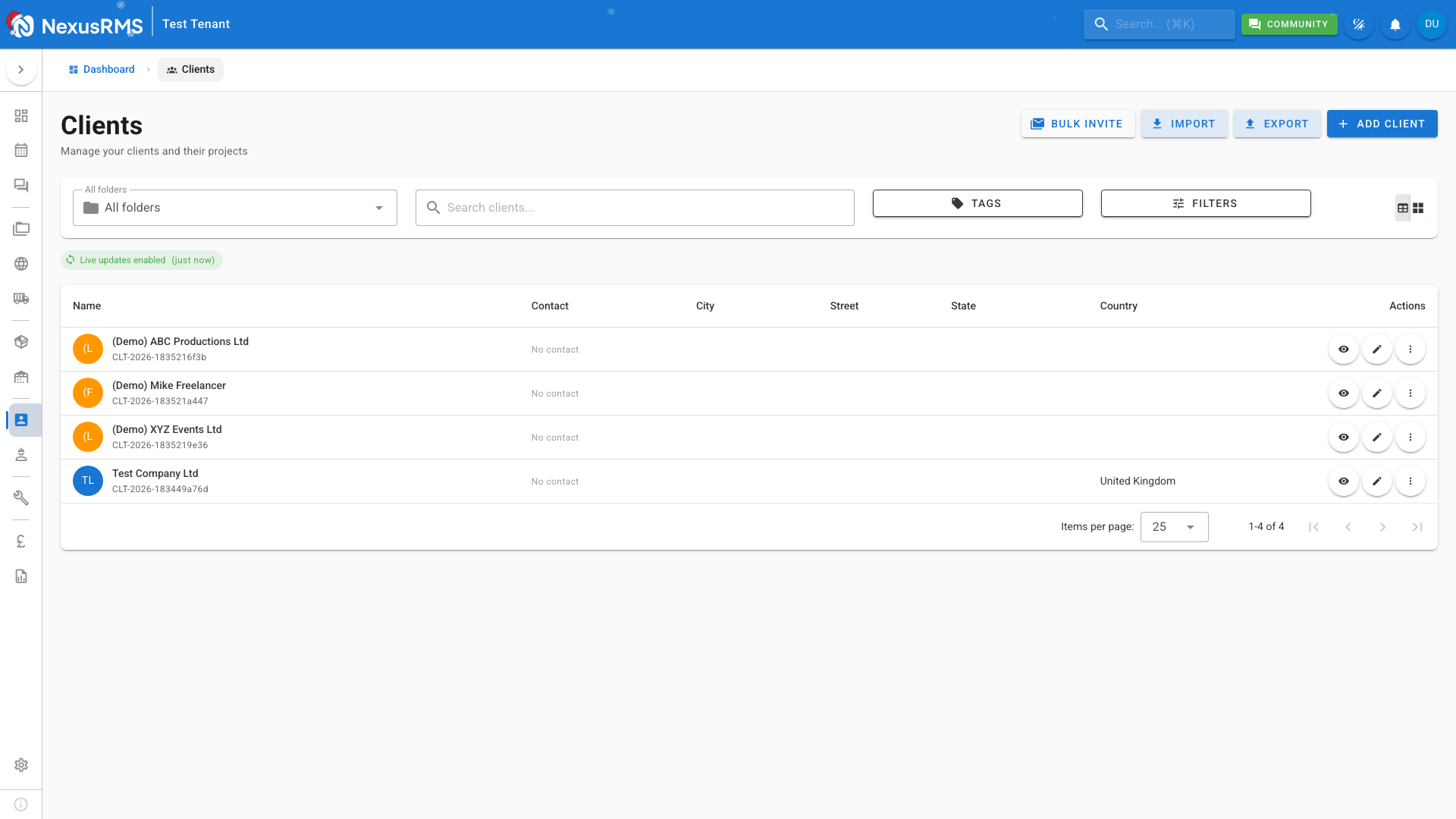
Clients are the foundation of your rental business. NexusRMS provides a complete CRM to manage client relationships, contacts, and history.
### Accessing Clients
Navigate to **Clients** in the sidebar to see all your customers.
### Client Information
Each client record includes:
**Company Details**
- Company name
- Address
- Industry/sector
- Website
**Contacts**
- Primary contact
- Billing contact
- Additional team members
- Contact preferences
**Financial**
- Credit limit
- Payment terms
- Tax information
- Billing address
### Adding a Client
1. Click **Add Client**
2. Enter company information
3. Add at least one contact
4. Set billing preferences
5. Save
### Client Contacts
Each client can have multiple contacts:
- **Primary** - Main point of contact
- **Billing** - Receives invoices
- **Site** - On-location contact
- **Custom** - Additional team members
### Client Portal
Clients can access their own portal to:
- View quotes and approve
- See invoices and pay online
- Upload required documents
- Track project status
Send portal invitations from the client profile.
### Key Features
- **Activity Timeline** - See all interactions
- **Project History** - Past rentals and revenue
- **Documents** - Contracts and attachments
- **Notes** - Internal comments
- **Tags** - Categorize clients (VIP, New, etc.)
### Best Practices
- Keep contact information current
- Log important communications
- Set appropriate credit limits
- Use tags for easy filtering
- Review inactive clients periodically
Was this article helpful?